Tjippies
LinkedIn job application assistant
Found a job on LinkedIn? Tjippies tailors your CV and cover letter to the advert and follows the application through to the employer's own form, so you apply faster without copy-pasting.
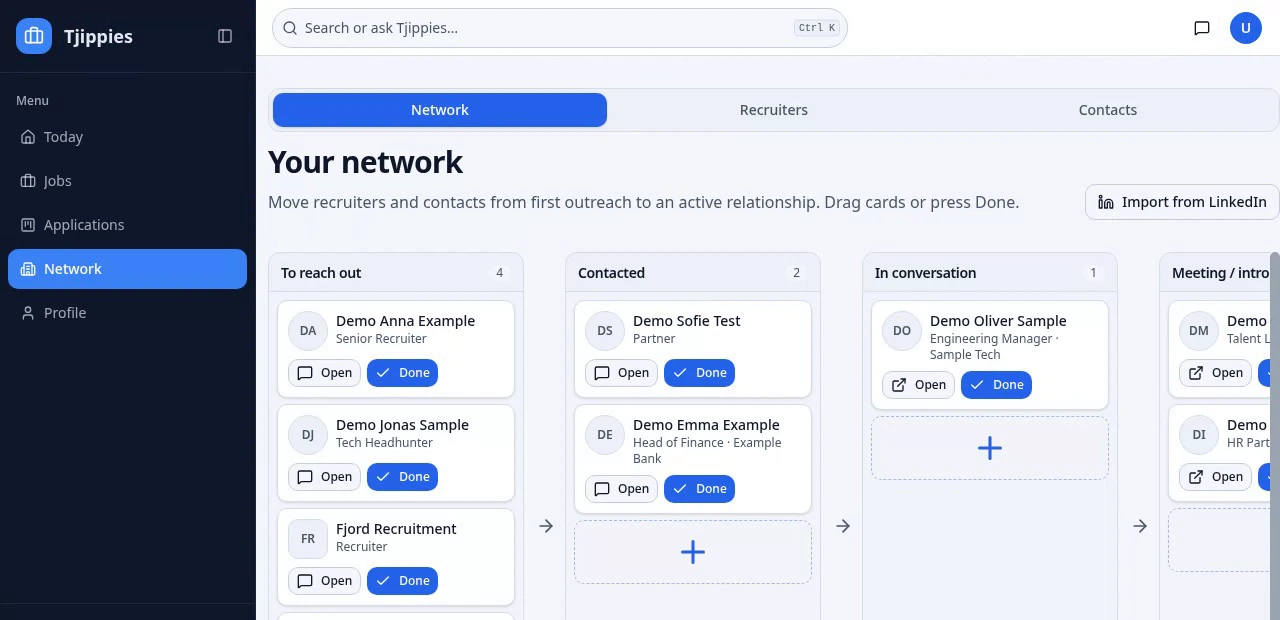
How it works
- 1
Save the LinkedIn job
Paste the job link or find it in Tjippies' job search.
- 2
Get tailored documents
Your CV and cover letter are rewritten to match the job description, using only facts from your profile.
- 3
Apply and follow up
Tjippies fills supported forms and suggests the recruiter or hiring manager to contact next.
Why job seekers use it
- Works with jobs that link to the employer's application page.
- Find the recruiter behind the job and draft a follow-up message.
- You stay in control — nothing is posted or sent without your approval.
Common questions
- Do I need to share my LinkedIn password?
- Only if you choose to apply through LinkedIn's own form. Stored sign-in details are encrypted.
- Is this the same as LinkedIn Easy Apply?
- No. Tjippies prepares job-specific documents and handles the employer's form, which Easy Apply often skips.
Plan your next career move
Career change advice
Thinking about a career change? Tjippies connects your experience and preferences to possible new directions, then helps you compare them with real job adverts before you commit.
Transferable skills
Your job title only tells part of your story. Tjippies helps you connect what you have actually done to a new role, with evidence you can use in your application.
Find recruiters
A conversation can help you understand a field before applying. Tjippies helps you find relevant recruiters and contacts, prepare a message and keep track of the follow-up.